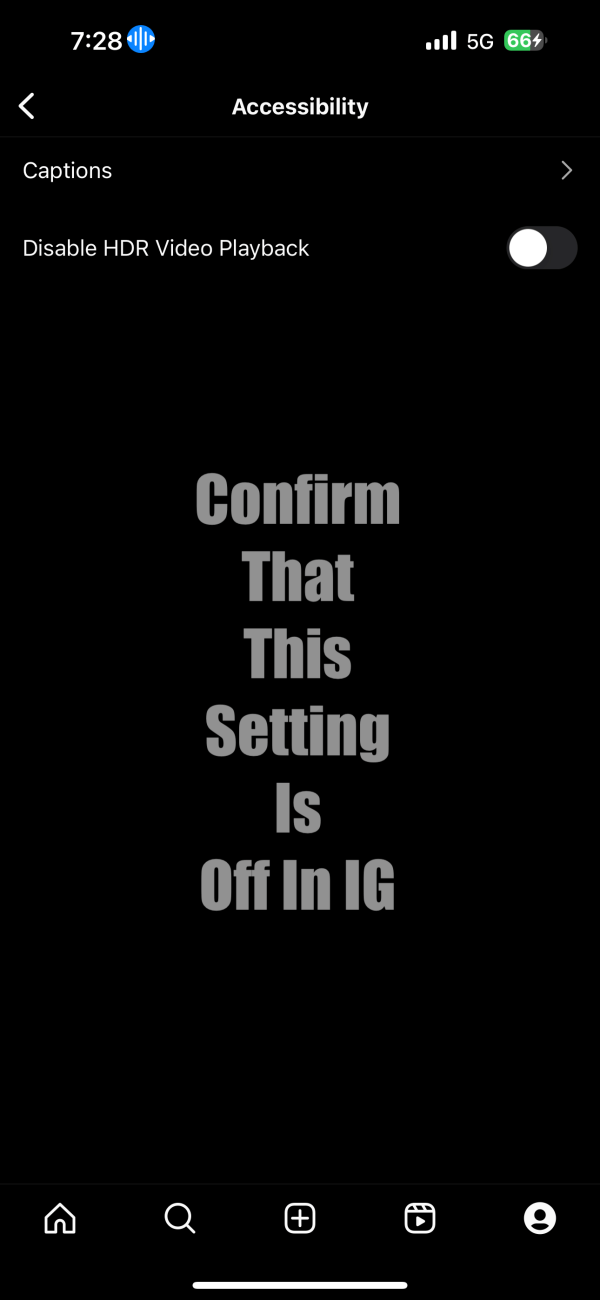
Apple Log is vastly superior to the over-processed HDR video we've become accustomed to since the iPhone 12. Clips uploaded to Dolby Vision compatible apps will display the Dolby Vision logo, while Instagram Reels will process the video as HDR without dynamic metadata. Several of our videos have turned into SDR since uploading to IG,... Continue Reading →
Apple Log/ACES/Dolby Vision/HDR IG Reels Workflow

 The Daejeon Chronicles