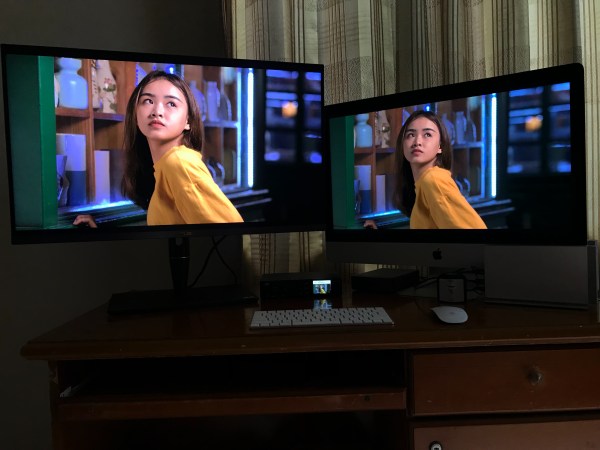
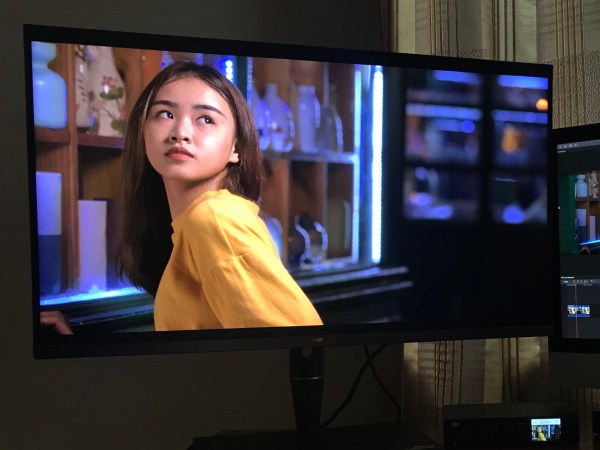
Asus ProArt PA32UCX-K Woes Begin

Update: Why none of this matters. In a previous post, I wrote how I was unable to install Asus' proprietary calibration software; but having read somewhere that X-Rite's i1Profiler was supposed to give better results, I went ahead and used that instead. But the colors weren't nearly as accurate as they were supposed to be;... Continue Reading →

Asus PA32UCX: First Impressions

Apart from uploading a handful of Sony HLG HDR videos to YouTube last year - mostly out of morbid curiosity - I'd pretty much all but given up on HDR, for the simple reason that there were no remotely affordable monitors. That all changed last month when I learned about the Asus ProArt 32UCX at... Continue Reading →

Is An I/O Interface Really Necessary?

Update 23.01.2020: I have confirmed that the Asus PA32UCX, UltraStudio 4K Mini and Final Cut Pro do indeed work with HDR PQ. The reason to use a dedicated IO card (like the UltraStudio 4K) is that it gives you a properly managed colour pipeline that by-passes the operating system’s GPU and colour profile settings and gets... Continue Reading →

Preordered the Asus ProArt 32UCX-K!

A popular online website that reviews and compares computer hardware says the Asus has virtually no flaws of consequence, but we'll get to that in just a moment. Not sure whether I wouldn't be better off getting the PA32UC instead, but I went ahead and preordered the PA32UCX-K anyhow. The PAUCX-K boasts 1,200 nits compared... Continue Reading →

Exposing for Skin Tones, HLG HDR

Having watched Gerald Undone's outstanding guide to exposing for low noise when shooting HLG for SDR delivery, I was curious whether the figures he arrived at were also applicable to HLG HDR video. Because even in graded HDR content, the bulk of the image should still fall within the standard 0-100 nit range, I wouldn't... Continue Reading →

The Shogun Inferno as HDR Grading Monitor

At long last, I can confirm that the Shogun Inferno ($1,195) does indeed work with the Blackmagic Design UltraStudio Mini Monitor ($137) and 2016 MacBook Pro. This is currently one of the least expensive options for grading HDR in Final Cut Pro and DaVinci Resolve on a Mac. A word of caution: the Ninja Inferno... Continue Reading →

Light at the End of the Tunnel?

In my quest to come up with the easiest workflow for HDR, without the hassle of purchasing a half-dozen LUTs; investing in expensive reference monitors; complex project, rendering and delivery settings; HDR to SDR conversions; complicated scripts; and i/o devices costing as much as a brand new a7R III, I've run up against just one... Continue Reading →

Ninja Inferno Saga Continues

In spite of my messages to them, Mystery Box, without so much as verifying their claims, still insist that the Ninja Inferno, coupled with the BlackMagic Design Ultrastudio Mini Monitor, will work as a grading monitor with any computer: And since you’re working with a 1080 display and are managing the HDR interpretation yourself, you can... Continue Reading →

Blog at WordPress.com.

Up ↑