
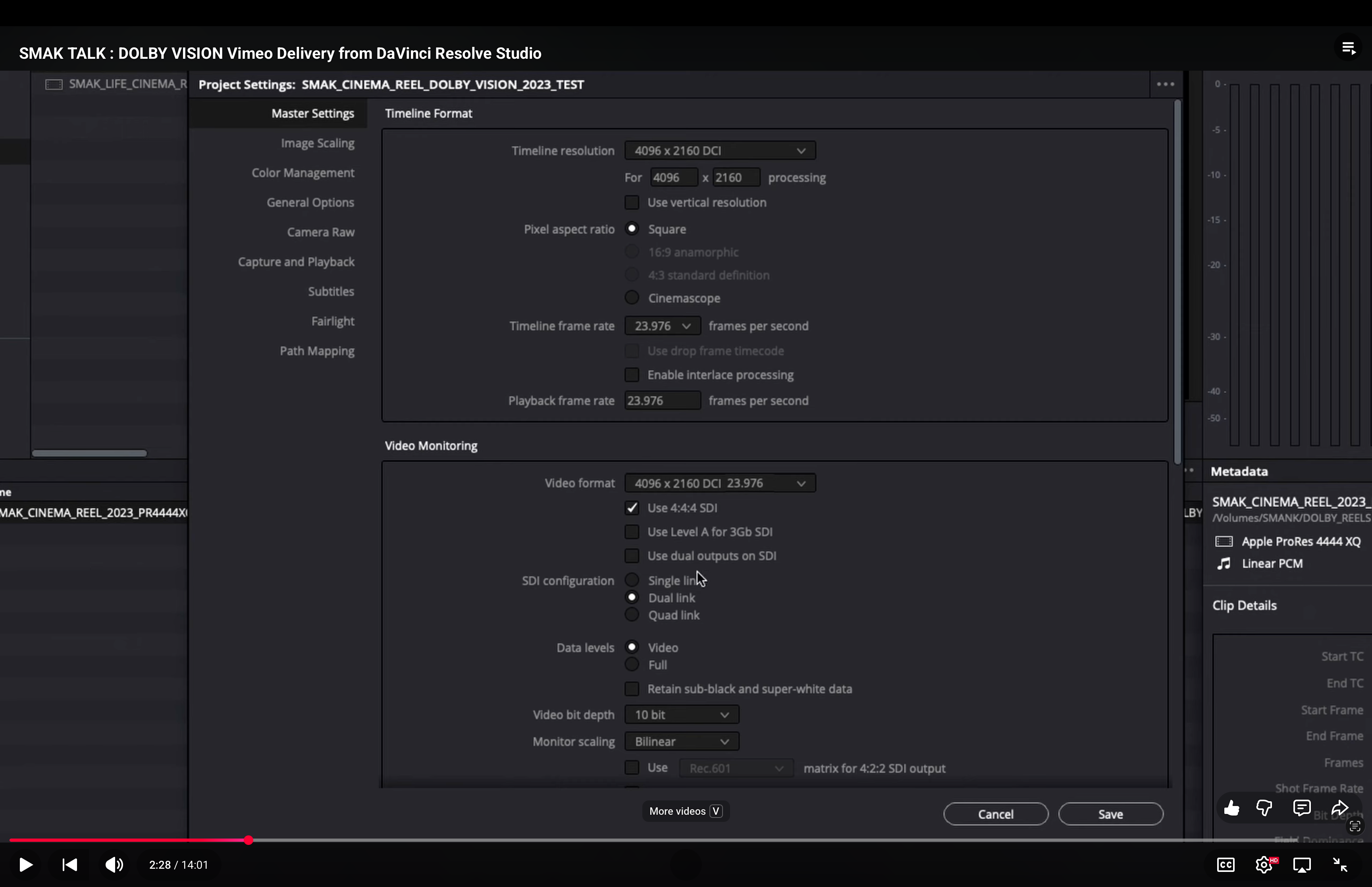
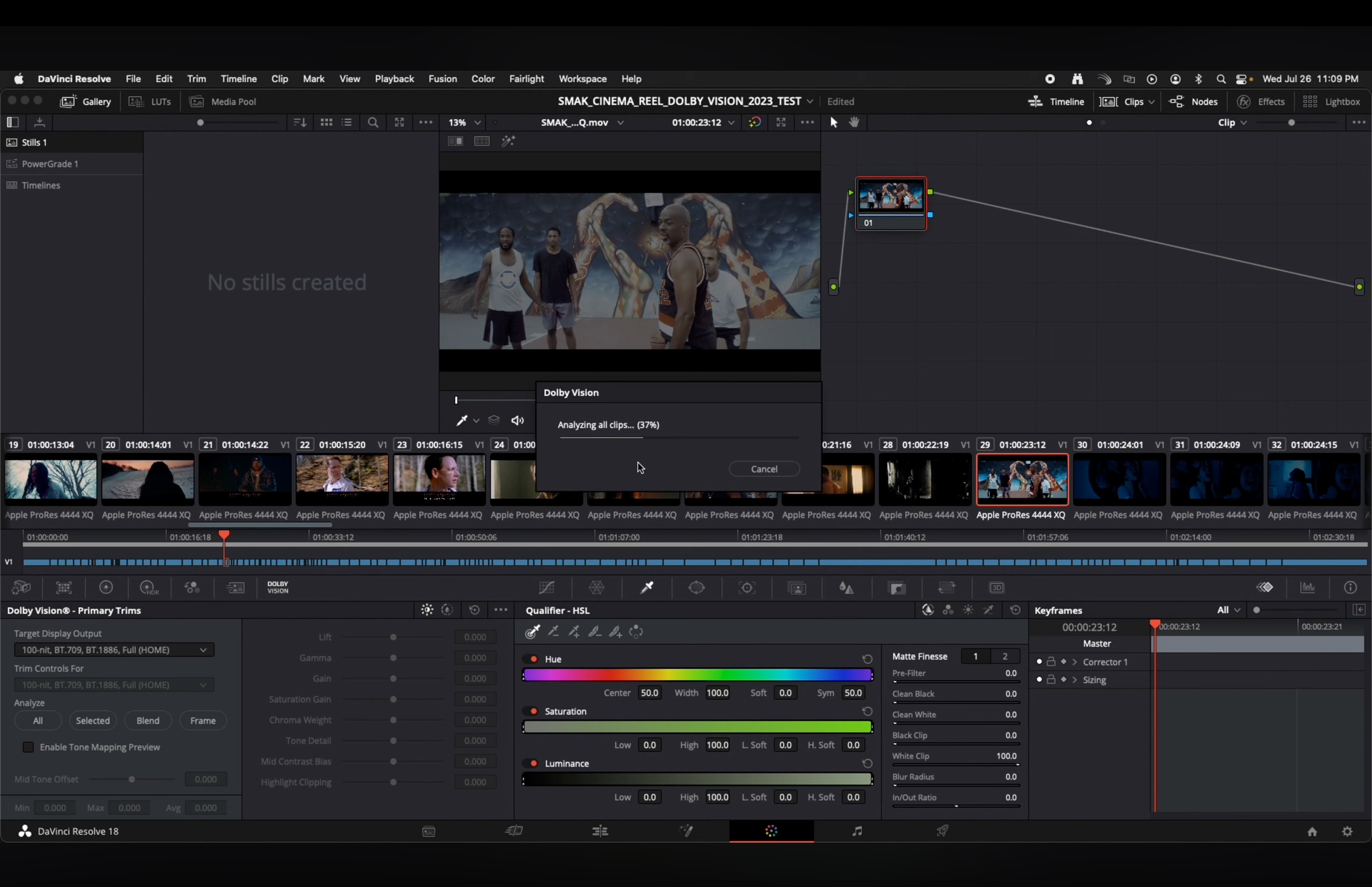
Scott McIntyre, a BMD Resolve Certified Trainer, CSC Associate Member, Colorist Society International Alliance Member and Dolby Vision Certified Professional, shared a video that claims to show how to use Resolve Color Management to send an HDR file to Vimeo with Dolby Vision Dynamic Metadata using H265 and Profile 8.4. It is best ignored and we were frankly surprised that it is still up after all these years.
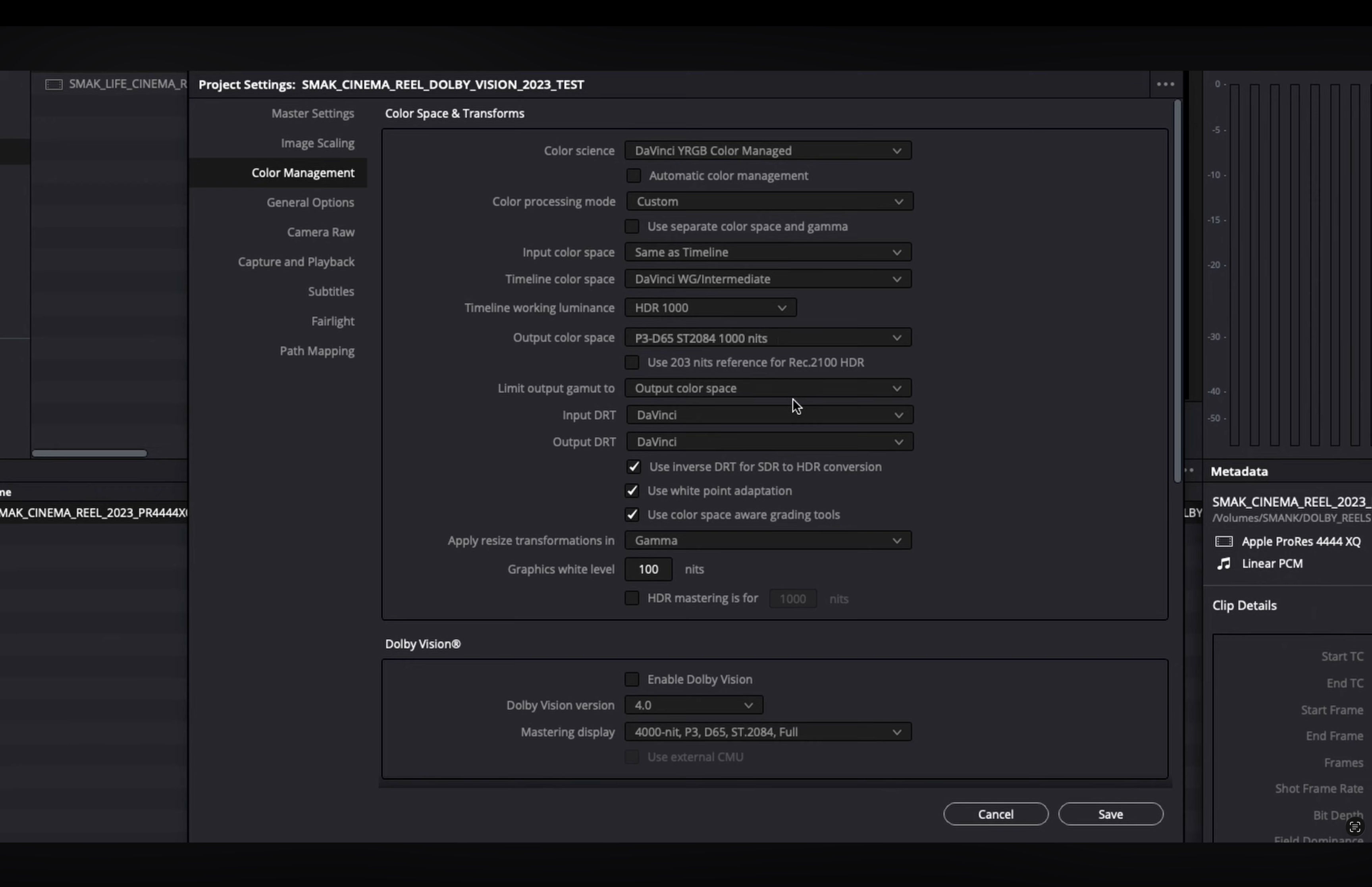
“For the Color Management setting, there are many options for this use case using different color science settings in Resolve. The key setting is to set the output color space as Rec.2020 HLG.” – Dolby Professional



Leave a Reply