That’s right! Provided (a) you’ve got a calibrated 1000-nit HDR display, (b) you’ve spent all of 30 seconds performing console-level HDR calibration and (c) you game in a controlled viewing environment, dialing in the picture of the very best HDR games could not be simpler. Half of the games listed are virtually plug-and-play.
Findings
- 42% of the games support console-level HDR calibration.
- Thirteen of the twenty-four titles require no adjustment whatsoever.
- Seven titles require just one adjustment.
Streamed content on platforms like Netflix seldom approaches the raw visual impact of a well-implemented HDR game on a current-gen console. The recommendations below are based on console play (PS5) and do not guarantee the same results on PC [1].
Legend
✅ System HDR – Uses console-level HDR calibration
⚙️ Manual – Ignores system HDR calibration
All settings assume HGiG is enabled on your display.
No adjustment necessary:
- ⚙️ Battlefield 1 (2016). Leave HDR Brightness at 1,000 and Brightness slider in the Basic tab at 50% (default).
- ⚙️ Battlefield V (2018). Leave HDR Brightness at 1,000 and Brightness slider in the Basic tab at 50% (default).
- ⚙️ Detroit: Become Human (2018). Leave HDR Brightness setting at default (0.00).
- ⚙️ Call of Duty: Modern Warfare (2019). Leave HDR Brightness at 1.0000, HDR Black Point at 0.00, and HDR White Point at 0.75 (all default settings).
- ✅ Metro Exodus (2019, including The Two Colonels and Sam’s Story expansions).
Leave Gamma at middle (default). - ✅ Call of Duty: Black Ops Cold War (2020)
- ⚙️ Halo Infinite (2021). Leave HDR slider at 50 (default) and Brightness slider at 0 (default).*
- ⚙️ Resident Evil Village (2021). Leave Max Brightness (HDR) and Brightness (HDR) sliders at Mid (default).
- ✅ Gran Turismo 7 (2022)
- ⚙️ Resident Evil 4 Remake (2023). Leave Max Brightness (HDR) and Brightness (HDR) sliders at Mid (default).
- ✅ The Last of Us Part II Remastered (2024).
Leave in-game HDR contrast and brightness sliders at zero. - ✅ Call of Duty: Black Ops 6 (2024)
- ✅ Battlefield 6 (2025). Leave default World Brightness setting at 50.
One adjustment:
- ⚙️ Saints Row: The Third Remastered (2011). Leave Brightness at 50 (default), decrease Peak Display Brightness to 1000, UI Brightness to 150.
- ✅ Days Gone: Remastered (2019). Decrease Brightness to 4 to improve contrast.
- ✅ Ghost of Tsushima (2020). Increase in-game brightness slider to 70 to mitigate black crush.
- ✅ Deathloop (2021). Decrease Middle Gray to 9 from 11 to improve contrast. Leave Saturation, Brightness and Screen Luminance (300) at default settings.
- ⚙️ Dead Island 2 (2023). Leave White Point slider at 1000 (default) and Black Point slider at 0 (default). Reduce Brightness to 0 from 25 and UI Brightness to 0 from 54.
- ✅ The Outlast Trials (2024). Decrease paper white setting to 2 from 22 (default).
- ⚙️ S.T.A.L.K.E.R. 2: Heart of Chornobyl (2024, along with the DLC expansion Cost of Hope). Update 2.0: Increase Contrast to 43% (from Default 40%). Leave other settings at their default values.
Need Tweaking:
- ⚙️ Mass Effect Legendary Edition. Mass Effect (2007) HDR Contrast +1, HDR Brightness 800, Mass Effect 2 (2010) HDR Contrast 0, HDR Brightness 900, and Mass Effect 3 (2012) HDR Contrast -5, HDR Brightness 700.
- ⚙️ The Walking Dead: The Telltale Definitive Series (Sept. 2019). Includes The Walking Dead: Season One (April 2012). Brightness 0 Graphic Black ON. The Walking Dead: 400 Days (Special DLC Episode) (July 2013). Brightness 0 Graphic Black ON. The Walking Dead: Season Two (Dec. 2013). Brightness 0 Graphic Black ON. The Walking Dead: Michonne (Mini-series) (Feb. 2016). Brightness 1 Graphic Black ON. The Walking Dead: A New Frontier (Season 3) (Dec. 2016). Brightness 0 Graphic Black OFF. The Walking Dead: The Final Season (Season 4) (Aug. 2018). Brightness 0.*
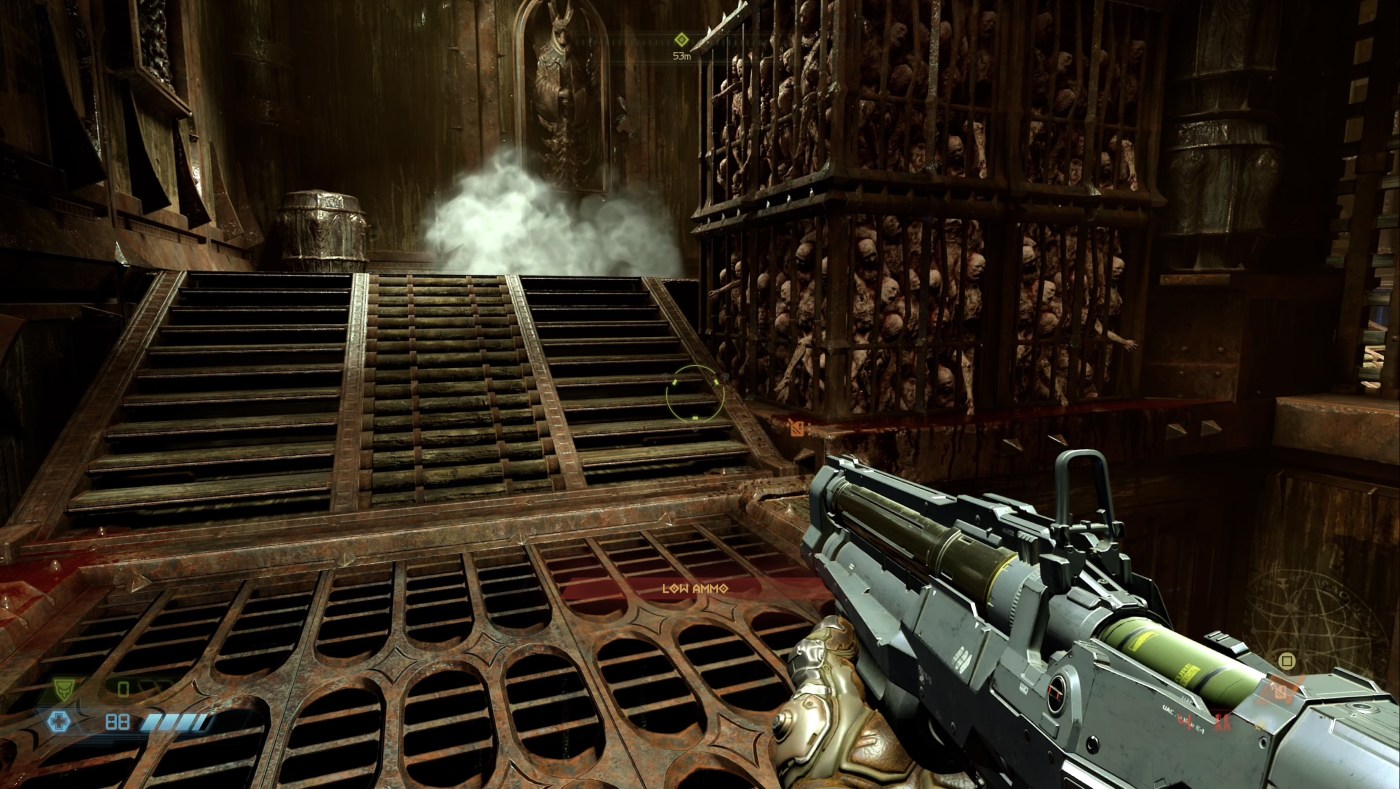
- ⚙️ Doom Eternal (2020, along with the campaign expansion packs Doom Eternal: The Ancient Gods – Parts One and Two).
Increase HDR White Point to 0.26 to boost contrast and raise HDR Max Stops to 10. Leave other settings at default. - ⚙️ Gears of War: Reloaded (2025). Reduce Brightness to 130 from 140 (default), increase Contrast to 70 from 50 (default), and leave HDR Brightness at 1,000.
NOTE: All games were evaluated on a calibrated (Average AE ITP 1.39) ASUS PA32UCDM (HDR_PQ BT.2020/PQ Clip) and edited in DaVinci Resolve Studio 21 on an M1 Max MacBook Pro.
* Halo Infinite and The Walking Dead: The Telltale Definitive Series tested on Xbox Series X.
Dead Island 2 Recommended HDR Settings

